
Football telestrator and video analysis
Pause the match, draw what happened and show it to your players. The telestrator works on your own footage, on a full or half pitch, on a blank board or on any image — nothing to install, and nothing is uploaded just to draw.
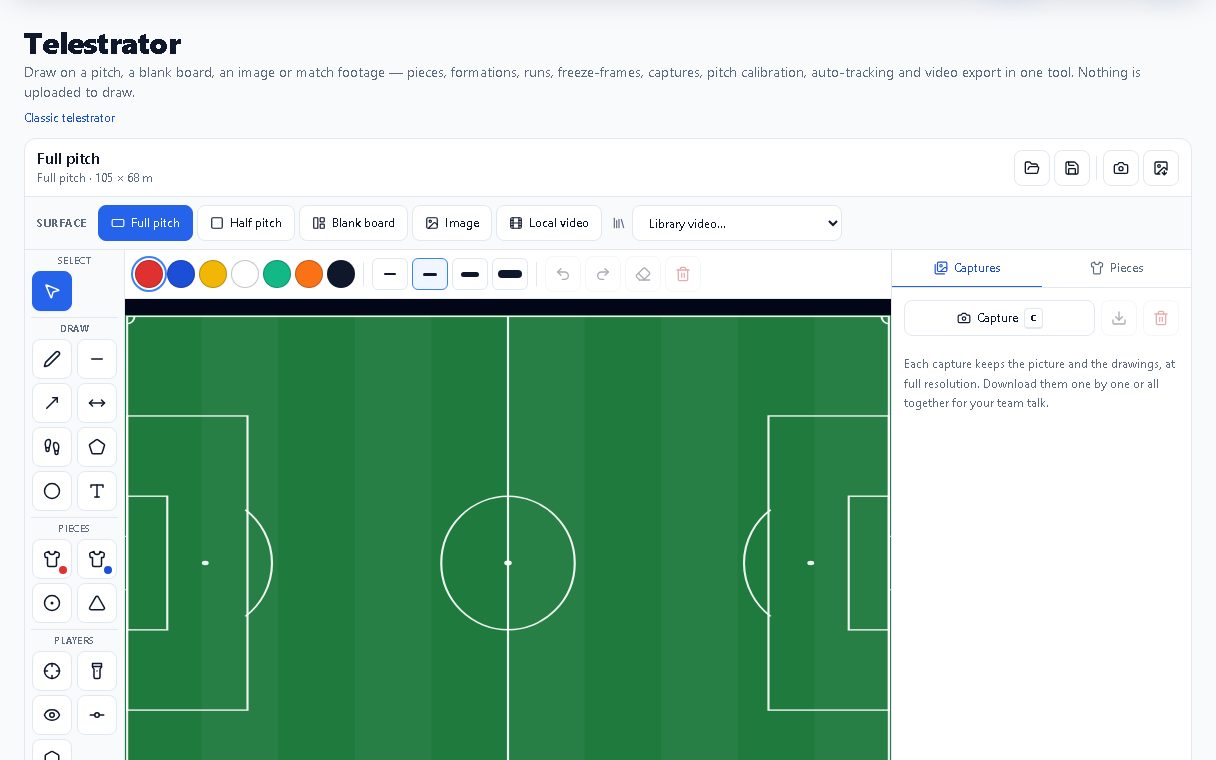
What you can do
Draw on any surface
Full pitch, half pitch, blank board, an image, a local video file or a video from your library.
Coaching drawing tools
Pen, line, arrow, double arrow, run, zone, circle zone and text, in your team colours and four line weights.
Pieces and formations
Numbered players for both teams, ball, cones and ready-made formations you can mirror for the opponent.
Freeze-frames and captures
Freeze the moment, annotate it, keep a tray of captures at full resolution and download them for the team talk.
Projects you can reopen
Save a project file and open it again later; import a tagged XML timeline to jump between clips.
Player auto-tracking
Click a player once and the drawing follows them through the clip on your uploaded videos.
For head coaches and analysts who prepare video sessions every week and want them done in minutes instead of an evening.
Frequently asked questions
Do I need to install anything?
No. The telestrator runs in a modern web browser on a computer or a tablet.
Which plan includes the telestrator?
It is part of the Club plan and every plan above it. The Video Hub library of uploaded matches starts on Academy.
Can I use footage that is only on my computer?
Yes. A local video file opens directly in the telestrator; you do not have to upload it to draw on it.